
How to see ‘TOURS TO YOU’ in your Google Searches

Google has launched a new feature in Search that lets you customize your experience to see more from your favorite sites.

With the launch of Preferred Sources in the U.S. and India, you can select your favorite sources and stay up to date on the latest content from the sites you follow and subscribe to — whether that’s your favorite sports blog or a local news outlet. Preferred Sources is rolling out today and will be broadly available in the coming days.

When you select your preferred sources, you’ll start to see more of their articles prominently displayed within Top Stories, when those sources have published fresh and relevant content for your search.

To make Tours To You a preferred source, head to the link below:

https://www.google.com/preferences/source

You’ll see the following:
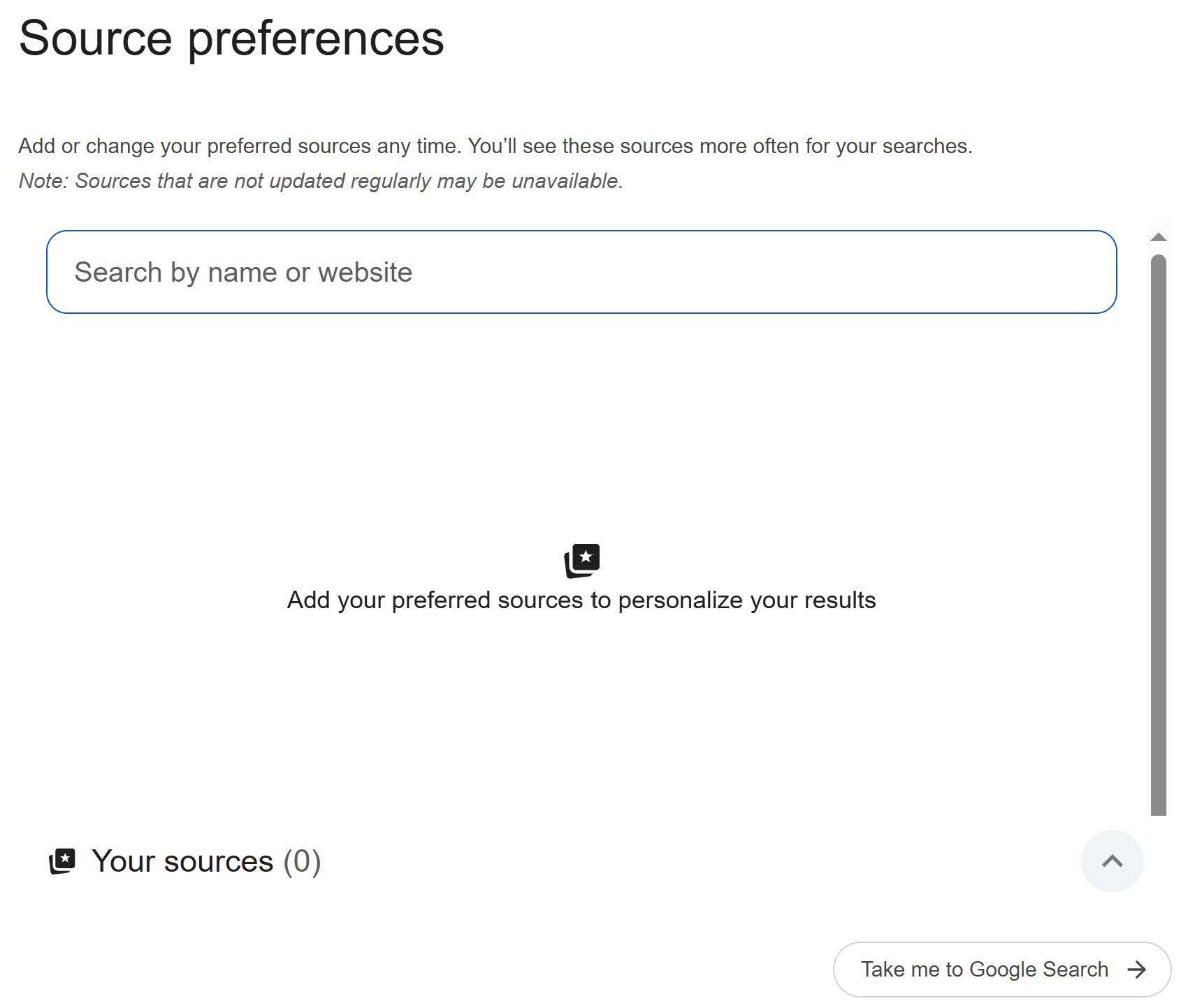
In the search field, type either Tours To You or tourstoyou.org and our website will come up. Then, click on the box to the right of the result to activate this site as a preferred source and you’re all set!

Once you select your sources, they will appear more frequently in Top Stories or in a dedicated “From your sources” section on the search results page. You’ll still see content from other sites, and can manage your selections at any time.

Thank you for making Tours To You your go-to source for information about the touring Broadway shows, and stay tuned for news and updates.

Thanks for stopping by! If you enjoy this content, and want to help support the site, visit my Buy Me A Coffee page here.